Your Thoughts,
Hidden in Plain Sight.
A secure steganographic journal that encrypts your deepest secrets and hides them inside innocent images. Built for mental wellness and privacy.
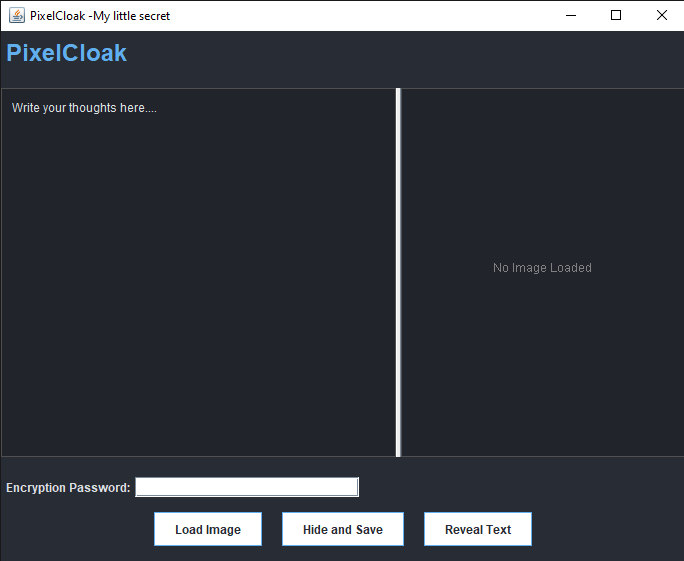
A secure steganographic journal that encrypts your deepest secrets and hides them inside innocent images. Built for mental wellness and privacy.
Technology built to protect your mental space.
Your journal entries are locked with military-grade AES-GCM encryption before they ever touch the image.
Using LSB Steganography, your text is embedded into the pixels of a photo. It looks like a normal image to everyone else.
In a tough situation? Enter a panic code to open a decoy journal, keeping your real thoughts safe from coercion.
Our integrated Python engine analyzes images to ensure they are complex enough to hide your secrets safely.
Get started with PixelCloak on your local machine.
Ensure you have Java JDK 17+ and Python 3.10+ installed.
pip install pillow
Clone the repository and run the app using IntelliJ IDEA or Maven.
mvn exec:java -Dexec.mainClass="com.pixelcloak.app.App"
Load an image, write your journal entry, set a password, and click "Hide and Save".
Securing your thoughts is as easy as 1-2-3.
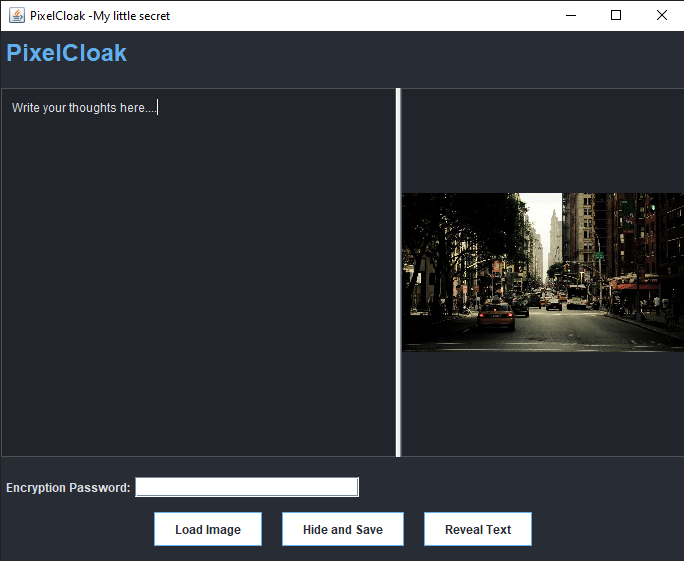
Click Load Image to pick a photo. Our system analyzes it for complexity.
Type your entry and set a strong Encryption Password.
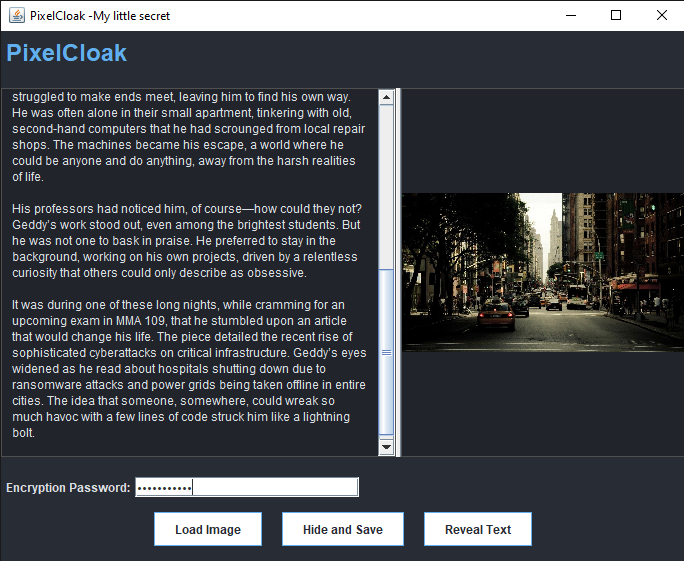
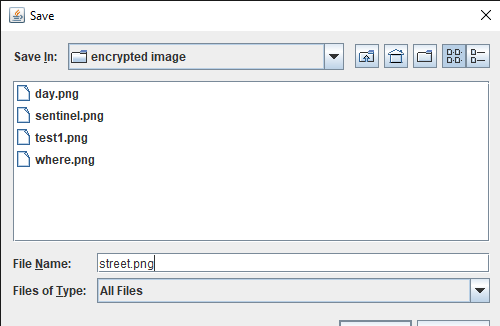
Click Hide and Save to create your secure PNG file.
Open PixelCloak and load the secret PNG file.
Enter the exact password you used during encryption.
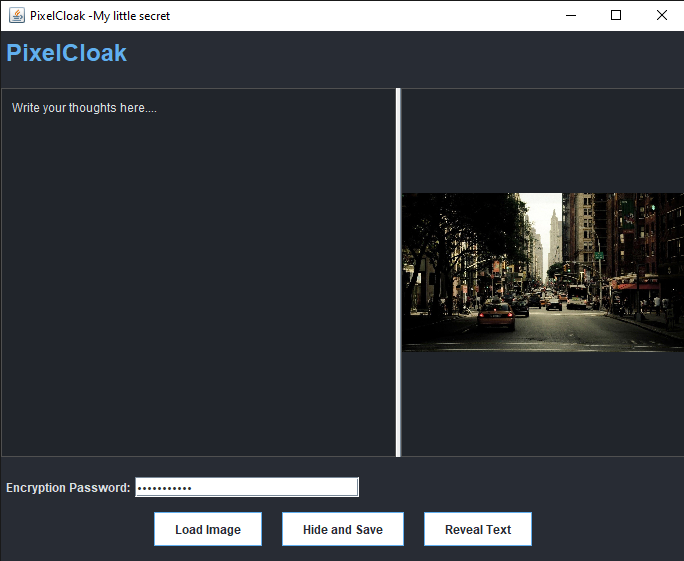
Click Reveal Text. Your message appears instantly.